Notes that write like notes
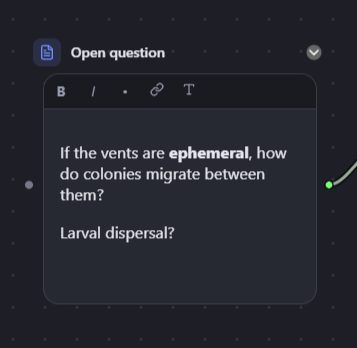
Rich text by default — bold, italics, lists, links. Prefer Markdown? Switch any single note over and back without losing the content.
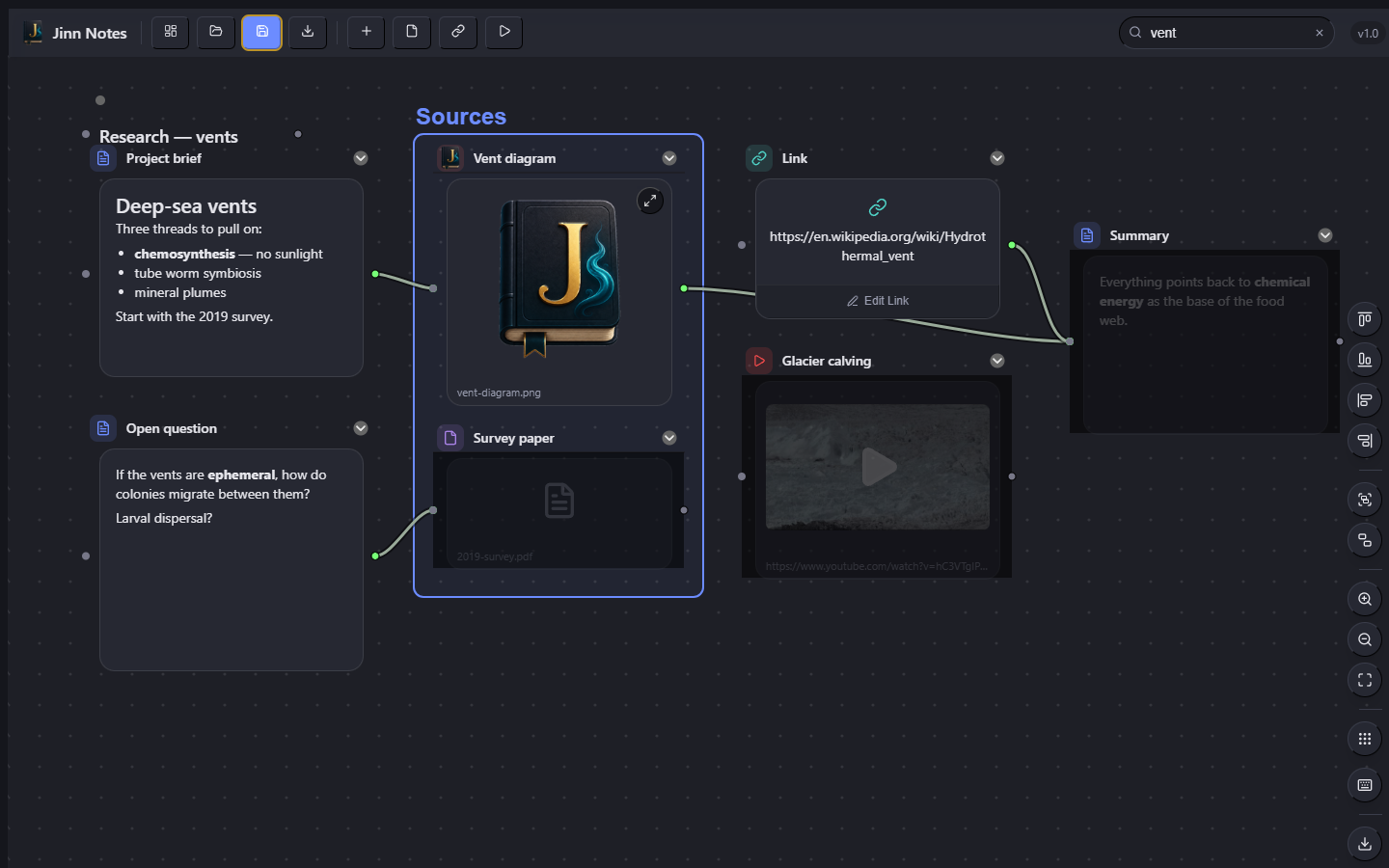
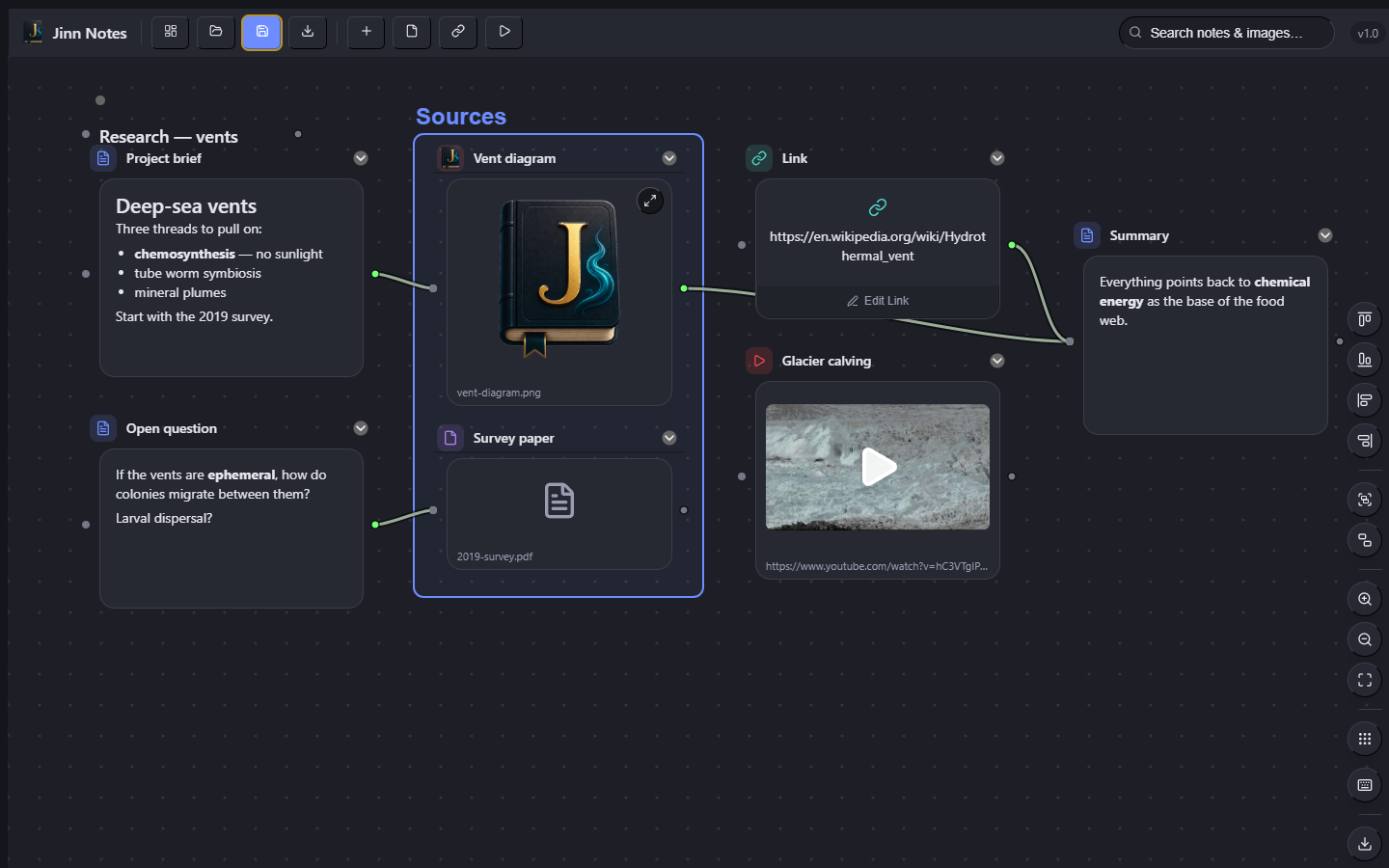
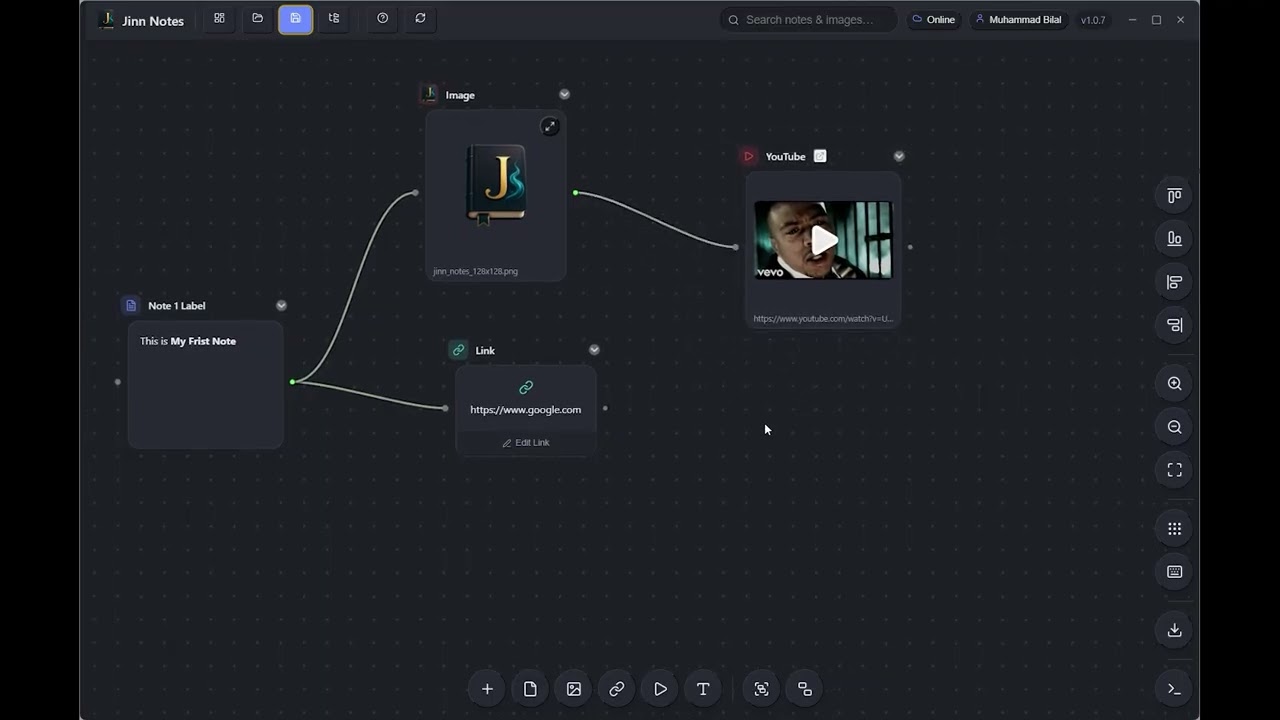
Notes, images, files, links and video sit as cards on an infinite board — and you draw the connections between the ones that belong together. No folders of orphaned documents. No lock-in.
Optional account for cloud sync. Your boards stay local unless you turn that on.
See it in action
Cards, connections, groups, search, export — everything, in one video.
What it does
Linear documents are good at conclusions and bad at getting to them. Jinn Notes gives you room to spread the problem out.
Rich text by default — bold, italics, lists, links. Prefer Markdown? Switch any single note over and back without losing the content.
Drag a wire between any two cards. A card takes as many connections as you need, and adding one never displaces another.
Images with a full-size lightbox, any file type opened in its own app, web links with previews, YouTube playing inline, and bare text labels for titling regions of the board.
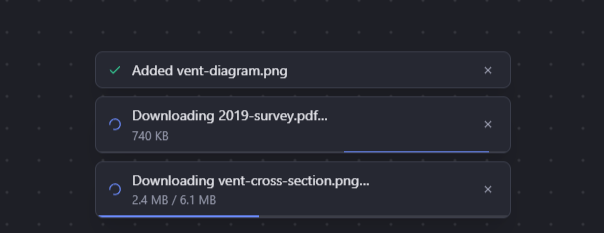
An image becomes an image. A YouTube URL becomes a video. A link to a picture is downloaded and embedded. A file path copies the file in. One shortcut, six different right answers.
Box related cards into a group, then let Jinn Notes mirror that structure on disk — with a preview of every planned move, and nothing touched until you say so.
Titles, note text, filenames, captions and link URLs. Matches stay lit and everything else recedes, so you keep your bearings.
An optional account turns on sync to Jinn Notes' own storage or your own Google Drive. Skip it entirely and everything stays local, no account required.
A closer look
These are captures of the shipping build, not mockups.
Cards are read-only until you mean to edit them, so a stray click moves a card instead of putting a cursor in it. The toolbar carries just what a note needs — and the T button flips that note between rich text and Markdown.
Your files stay yours
There is no library, no database, no proprietary blob. You pick a folder; Jinn Notes puts a .canvas file in it and copies the files you add alongside, under their own readable names.
On disk
Deep-sea vents/
├── Deep-sea vents.canvas
├── vent-diagram.png
├── 2019-survey.pdf
└── Research/
    ├── paper.pdf
    └── Papers/
        └── old.pdf
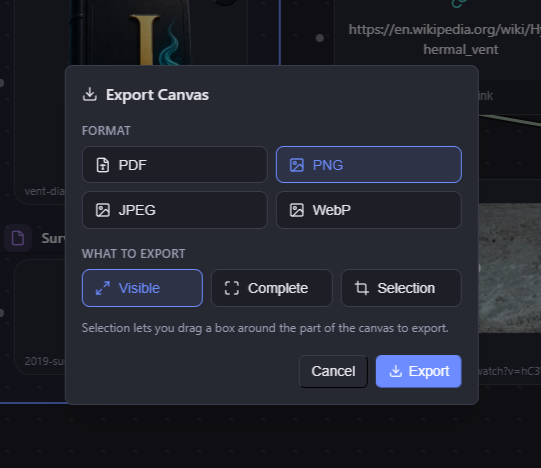
Groups on the board become subfolders here — only when you ask, and only after you approve the list of moves.
Get it
Jinn Notes runs on Windows, with early macOS and Linux builds available too. Free, no subscription.
Automatic updates and a one-click install. The recommended way to get Jinn Notes on Windows.
Get from the StoreA standalone installer for Windows 10/11 on x64. Installs to Program Files for all users — Windows will prompt for admin approval.
JinnNotes-Setup 1.0.7 · 97 MBWindows SmartScreen may flag it as from an unrecognized publisher on first run — this build isn't code-signed yet. Choose "More info" → "Run anyway" to continue.
Apple Silicon & Intel (x64, via Rosetta on Apple Silicon). Not notarized, so Gatekeeper will block it by default — right-click the app, choose "Open," then confirm.
JinnNotes-1.0.7-macos-x64 · 134 MB
x64, packaged as a self-contained folder — extract and run
./JinnNotes, no install step.
Windows requires version 1809 (build 17763) or later, 64-bit. Roughly 350 MB once installed on any platform — Jinn Notes bundles its own rendering engine so it does not depend on anything else being present.
What's changed
The short version of every release. Every build is free to update to.

Stop flattening your thinking into a document that was never shaped like your problem.
Download Jinn Notes